

/c/ and the project’s 12-character key:
Requests
Response
The answer doesn’t depend on the key or the project: an unknown key, a rotated key, a project over quota and a stored capture all get the same answer.HEAD gets no body. Only two answers differ, both decided before the key is looked at:
What is stored
- Method, path and raw query, the headers in order, the source address, the content type and the time received.
- The body, byte for byte, when it is 5 MiB or less. For a larger body, only its size and SHA-256.
- Header values that aren’t valid UTF-8 are stored with U+FFFD in place of the bad bytes.
Authorization, Proxy-Authorization, Cookie, X-Gitlab-Token, X-Telegram-Bot-Api-Secret-Token, X-Hook-Secret, X-Api-Key, Api-Key, X-Auth-Token. Signature headers are kept, because they are needed to check and replay a delivery.
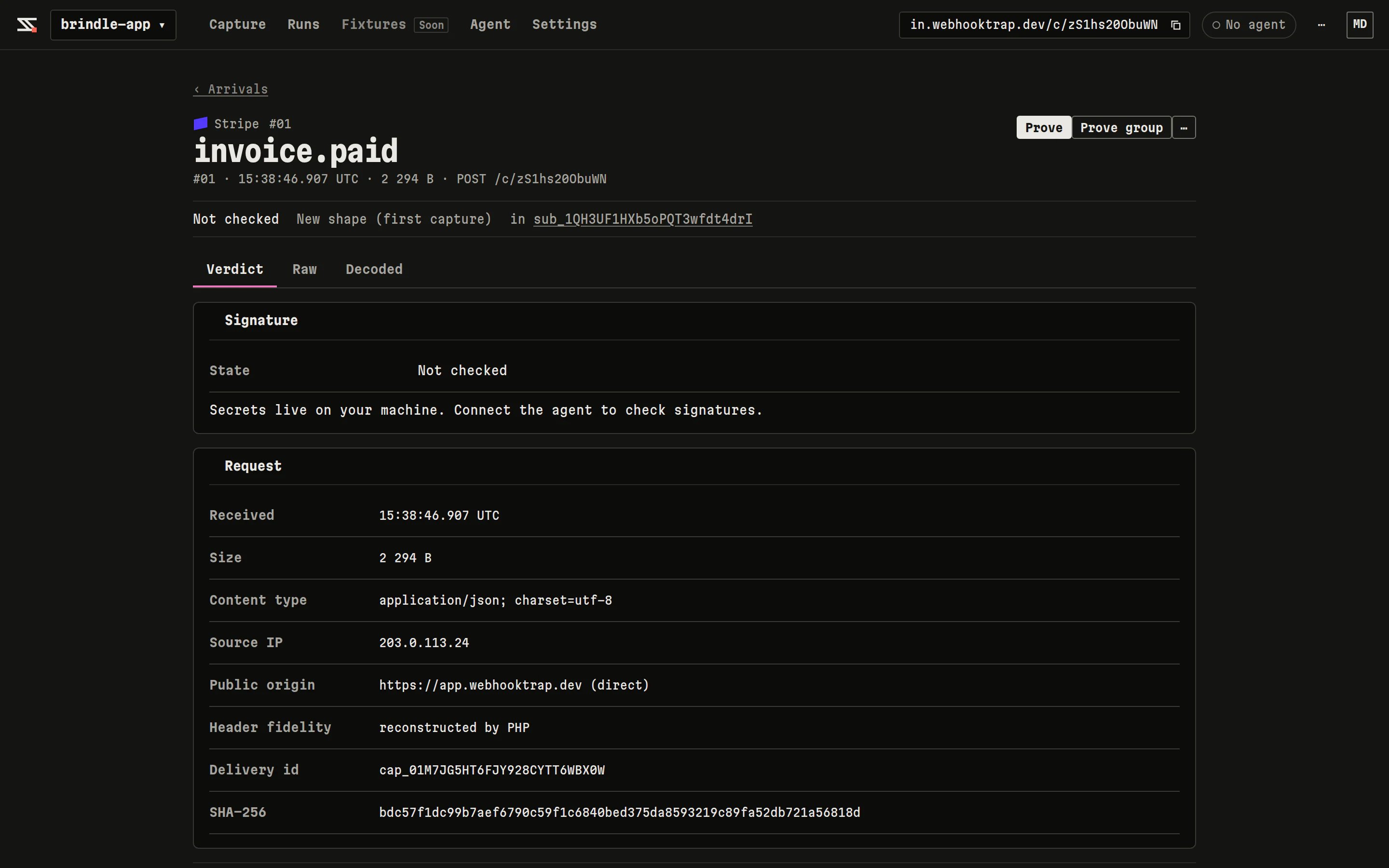
The facts stored with a delivery.
Rotating the URL
With an account, Settings › Capture URL › Rotate URL gives the project a new key. The old URL stops storing deliveries at once, and still answers200. Rotation is limited to 10 per hour per user. Guest sessions can’t rotate.
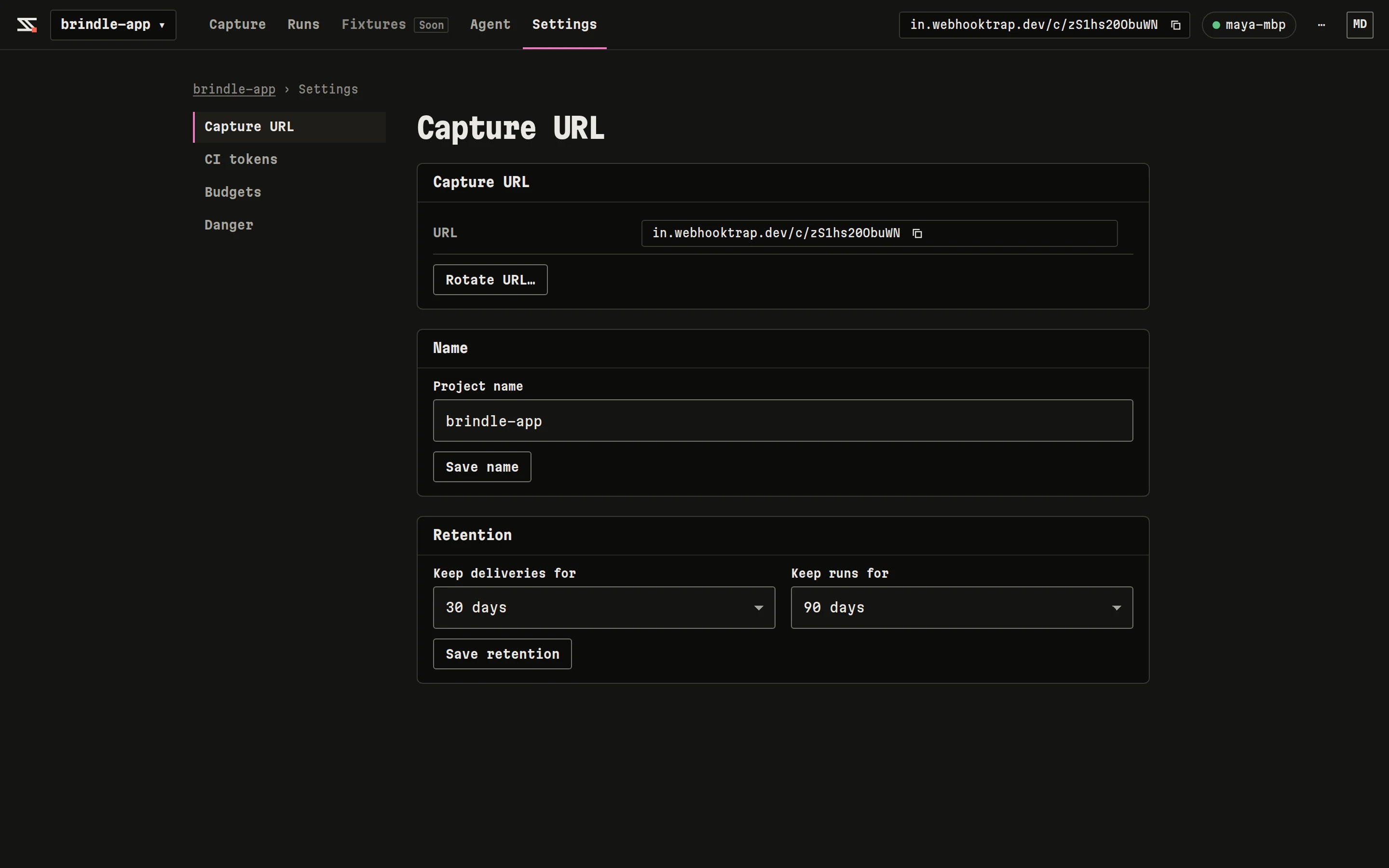
Project settings: capture URL and retention.